

Is Pornzog.com Safe?
Your browser was redirected to pornzog.com, a security tool flagged it, pop-up ads or notification prompts appeared during a visit, or you want to understand the risks before continuing to use the site. Read this article to understand what the current security data shows.
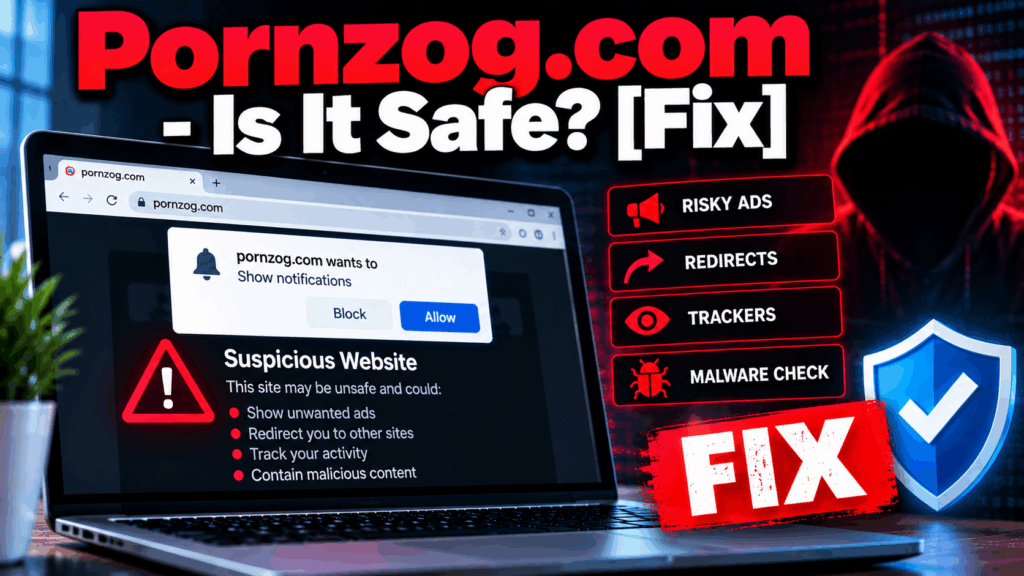
Pornzog.com is an adult streaming content portal that has been active for many years and, based on a PCRisk security scan performed recently, was not flagged by any of 91 security engines at the time of the scan. The site carries a valid SSL certificate, is hosted on a commercial server in Amsterdam, and appears to operate as a genuine adult content platform rather than a phishing or direct malware distribution site. This places it in a different risk category than domains like Fuckserve.com or Porn112.com, which carry documented malware or phishing classifications. However, a clean security scan against the site’s own domain does not mean risk-free for visitors. PCRisk’s scan notes that no clear operator is identified in the publicly available site data, and the domain uses unsigned DNSSEC – meaning DNS responses for the domain are not cryptographically validated. The primary security risk from pornzog.com, consistent with the established risk profile for all free adult streaming platforms documented by PCRisk, Gridinsoft, and Malwarebytes, comes from the third-party advertising networks the site uses for revenue. These networks are not held to mainstream advertising platform standards and are disproportionately used by malicious advertising operators to push notification permission prompts, redirect chains, and fake download buttons at visitors.
Pornzog.com Short Overview
| Type | Adult streaming content portal active for many years. PCRisk scanner (recent scan) found no threats across 91 security engines – not currently classified as a direct malware distributor. Risk comes from third-party ad networks rather than site content: these networks serve malicious advertising, push notification permission prompts, and redirect chains independently of the site’s pages. No clearly identifiable operator disclosed. DNSSEC unsigned. If the browser redirects here without deliberate navigation, adware is most likely already installed. |
| Symptoms | Browser redirecting to pornzog.com without deliberate navigation. A push notification permission prompt appearing during video playback framed as a media control. Desktop push notification pop-ups from the site’s ad network appearing after the browser tab is closed. A fake download button or scareware overlay appearing during a visit. A security tool flagging redirect or ad network behavior associated with a visit to the domain. |
| Removal Time | Approximately 15 minutes for a full-system scan |
| Removal Tool | See If Your System Has Been Affected by malware
Download
Malware Removal Tool
|
How Did I Get Pornzog.com Redirects or Pop-ups?
- A notification permission granted during video playback – Adult streaming sites in this category display “Click Allow to watch” or “Press Allow to verify” prompts during video playback that are browser push notification opt-ins rather than media controls. Clicking grants the site’s ad network ongoing permission to deliver pop-ups at the OS level after the browser tab is closed.
- Adware installed on the device generating repeated redirects – If the browser is being sent to pornzog.com repeatedly across unrelated browsing sessions without deliberate navigation, an adware component installed through software bundling is responsible for the redirects, not the site itself.
- Pop-under windows presenting hidden notification prompts – Some visits generate a pop-under browser window in the background containing a notification permission request. Any click on the main page can inadvertently confirm the hidden request.
- Malicious advertising redirect chains during browsing – Ad networks on disreputable sites can route traffic to pornzog.com as a redirect destination without any deliberate navigation to the domain.
What Security Risks Does Pornzog.com Carry?
- Third-party ad network risk from unvetted advertising – Pornzog.com, like all free adult streaming sites, relies on advertising revenue from networks not held to mainstream platform standards. PCRisk and Malwarebytes confirm that ads from these networks can deliver scareware overlays, fake download buttons, and redirect chains independently of the site’s own content – and this risk exists on an otherwise clean-scanning domain.
- Push notification spam if permission was granted – Any notification permission granted through an ad-network prompt during a visit produces ongoing desktop pop-up spam covering fake virus warnings, gambling promotions, and prize scam notifications that bypass standard browser pop-up blockers.
- Third-party tracker data collection throughout every visit – Embedded trackers from the ad network infrastructure collect IP addresses, device data, and browsing behavior throughout every visit for data collection and advertising targeting – with no clearly identifiable accountable operator disclosed on the site.
- Data breach risk from any account registration – Security research confirms adult sites are prone to data breaches. Any account registered on the site should use a unique password not shared with any other service.
What Should You Do?
If a security tool blocked pornzog.com, check whether the block is related to a specific ad network redirect rather than the domain itself before making a permanent exception decision. Open your browser notification settings and remove pornzog.com from the allowed list if it appears there. If the browser is being redirected to the domain without deliberate navigation, run a full scan with a dedicated anti-adware tool to identify and remove the adware component responsible – no browser setting change alone will stop an installed adware program. Remove any unfamiliar browser extensions. Clear browsing data using the “All Time” range to flush cached ad network tracking cookies. Follow the complete removal guide below this article for the full steps across Windows, Mac, and Android.

Ventsislav Krastev
Ventsislav is a cybersecurity expert at SensorsTechForum since 2015. He has been researching, covering, helping victims with the latest malware infections plus testing and reviewing software and the newest tech developments. Having graduated Marketing as well, Ventsislav also has passion for learning new shifts and innovations in cybersecurity that become game changers. After studying Value Chain Management, Network Administration and Computer Administration of System Applications, he found his true calling within the cybersecrurity industry and is a strong believer in the education of every user towards online safety and security.
Follow Me: