

What is Nitrogen Ransomware?
Your files now have a .nba extension, there’s a readme.txt on your desktop and in every folder that was touched, and your business has ground to a halt — you’ve been hit by Nitrogen ransomware. Read this article right now to understand exactly what Nitrogen is, how it got in, and what your actual recovery options are, then follow the guide below immediately.
Nitrogen is a sophisticated double-extortion ransomware family that first emerged as a malware loader operation in 2023 and evolved into a fully independent ransomware operation by mid-2024. It targets organizations across construction, financial services, manufacturing, and technology — with the majority of incidents concentrated in the USA, Canada, and the UK. What makes Nitrogen uniquely dangerous is a critical programming flaw discovered in February 2026 by Coveware researchers: Nitrogen’s ESXi encryptor contains a memory management error that corrupts the public key used to encryption victims’ files — meaning that even if you pay the ransom, the attackers themselves are mathematically incapable of decrypting your ESXi-hosted files. Paying Nitrogen is not just inadvisable — in ESXi environments, it is literally pointless.
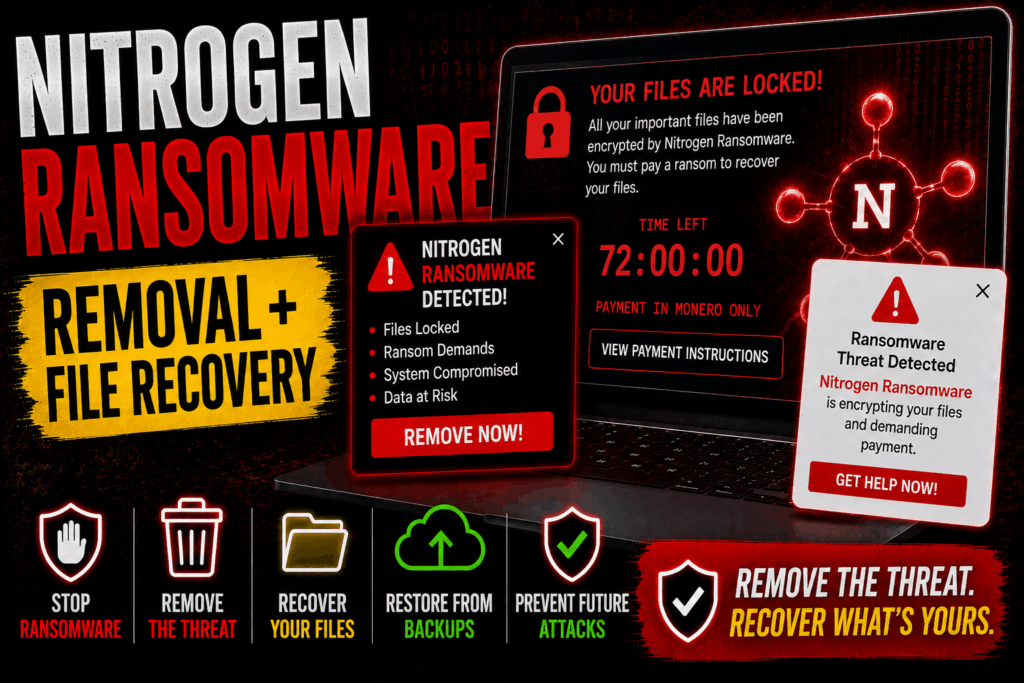
Nitrogen Ransomware Short Overview
| Type | Double-extortion ransomware / Targets Windows and VMware ESXi environments. Derived from leaked Conti 2 source code. |
| Symptoms | Files encrypted with .nba extension. Ransom note named readme.txt left on desktop and in every affected folder. Backups disabled or deleted. Security tools interfered with. ESXi-encrypted files are permanently unrecoverable — even the attackers cannot decrypt them. |
| Removal Time | Approximately 15 minutes for a full-system scan |
| Removal Tool |
See If Your System Has Been Affected by malware
Download
Malware Removal Tool
|
How Did I Get Nitrogen Ransomware?
Nitrogen gets into networks through a combination of deceptive advertising and silent drive-by downloads — it doesn’t wait for you to do something obviously wrong. Here’s how it typically gains initial access:
- Malicious advertising (malvertising) — Nitrogen’s primary infection vector is malicious advertising on major search engines like Google and Bing. The attackers buy ads that direct victims to fraudulent websites mimicking legitimate software downloads — FileZilla lookalike pages being a confirmed example. Clicking the fake download button delivers a malicious payload disguised as a legitimate installer.
- Drive-by downloads — Visiting a compromised or spoofed website can trigger a hidden download and silent execution of the Nitrogen loader malware — no clicking required, especially on systems with outdated browser plugins.
- Phishing campaigns — Phishing emails with links to fake software download pages are also used to deliver the initial loader, particularly in targeted attacks against specific organizations.
- Freeware and cracked software — Downloading freeware or pirated software from unofficial sources remains a reliable infection route for Nitrogen, with the loader hidden inside installers through software bundling.
What Does Nitrogen Ransomware Do?
Nitrogen is built for maximum damage with minimum detection. Once the loader gets a foothold on your system, the full attack unfolds in stages:
- Reconnaissance and lateral movement — Before deploying the ransomware, Nitrogen operators spend time mapping your network, harvesting credentials, and identifying critical assets like ESXi hosts and backup servers using tools like Advanced IP Scanner and Cobalt Strike.
- Data exfiltration — Sensitive data is exfiltrated to Nitrogen’s infrastructure — typically servers in Bulgaria — before any encryption begins, enabling the double extortion threat: pay or your data gets published.
- File encryption with .nba extension — The ransomware binary executes and appends the .nba extension to all encrypted files. A ransom note named readme.txt is placed on the desktop and in every affected folder with instructions for contacting the attackers via Tor Browser or qTox app. The encryption uses cipher algorithms derived from the leaked Conti 2 codebase.
- ESXi encryption bug — permanent data loss — In ESXi environments, a coding error in Nitrogen’s malware corrupts the public key used during encryption by overwriting 4 bytes of it with zeros. The resulting decryption key situation is mathematically irreversible — no private key exists that corresponds to the corrupted public key, meaning ESXi-encrypted files cannot be recovered by anyone, including the attackers. This is not a workaround — it is permanent data loss for ESXi environments without viable backups.
- Evasion and cleanup — Nitrogen disables backups, interferes with security tooling, clears system event logs, and uses code obfuscator techniques including stack strings to evade detection and complicate forensic analysis.
If your ESXi servers were encrypted by Nitrogen and you do not have clean offline backups, you need to accept that those files are gone — paying will not recover them. For Windows-encrypted files, recovery options may still exist depending on the specific malware sample used. Forensic analysis of the exact malware variant is essential before pursuing any recovery path.
What Should You Do?
Isolate all affected systems immediately, preserve the malware samples used in the attack, and do not pay the ransom for ESXi-encrypted files — it will not work. For Windows-encrypted environments, some recovery may be possible depending on the variant. Follow the full removal and recovery guide below this article right now and bring in incident response specialists if your organization lacks the internal capability to handle this safely.

Ventsislav Krastev
Ventsislav is a cybersecurity expert at SensorsTechForum since 2015. He has been researching, covering, helping victims with the latest malware infections plus testing and reviewing software and the newest tech developments. Having graduated Marketing as well, Ventsislav also has passion for learning new shifts and innovations in cybersecurity that become game changers. After studying Value Chain Management, Network Administration and Computer Administration of System Applications, he found his true calling within the cybersecrurity industry and is a strong believer in the education of every user towards online safety and security.
Follow Me: