

Immortal-service.cc pop-ups malware is a dangerous browser-based threat that can overwhelm your computer with intrusive notifications and expose you to serious security risks. If you are suddenly seeing suspicious alerts, fake warnings, or unexpected push notifications on your desktop, your system may be compromised. Read this article to find out what Immortal-service.cc Pop-ups Malware is, how it infects devices, what damage it can cause, and how to remove it effectively.
What is Immortal-service.cc Pop-ups Malware?
Immortal-service.cc Pop-ups Malware is a malicious domain-based threat commonly associated with adware, browser hijackers, and potentially unwanted programs (PUPs). It abuses legitimate browser notification features to deliver aggressive advertising content directly to affected users. While it may initially appear as a harmless website asking for permission to display notifications, its true purpose is to distribute harmful and deceptive content.
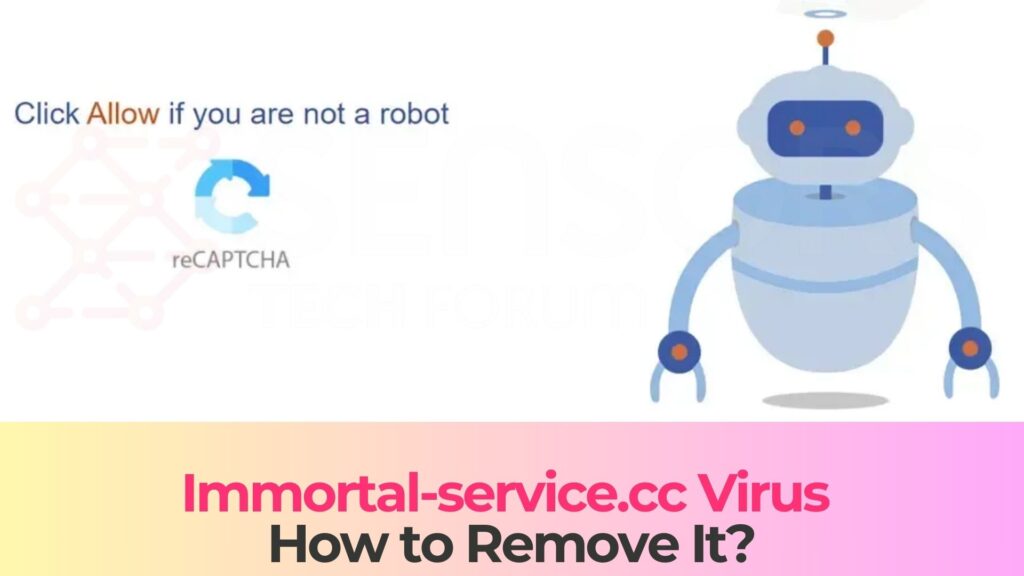
Immortal-service.cc Short Overview
| Type | Fake blog, Browser Hijacker, Redirect, PUP |
| Short Description | A suspicious website and rogue search engine that hijacks your browsers and causes redirects. |
| Symptoms | Unwanted pop-ups may start appearing while you are browsing the web. A browser hijacker may be downloaded without your knowledge. |
| Removal Time | Approximately 15 minutes for a full-system scan |
| Removal Tool |
See If Your System Has Been Affected by malware
Download
Malware Removal Tool
|
This malware operates by convincing users to click the “Allow” button on a browser prompt. The prompt may claim that you need to confirm you are not a robot, enable video playback, download a file, or access specific content. Once permission is granted, Immortal-service.cc gains the ability to send continuous push notifications to your desktop, even when your browser is closed.
Unlike simple adware, Immortal-service.cc Pop-ups Malware may redirect users to high-risk domains. These can include phishing websites, fake tech support pages, rogue software downloads, and exploit kits designed to install additional malware. Because of its aggressive redirect behavior and connection to malicious advertising networks, it should be treated as a serious cybersecurity threat.
How Did I Get It?
Immortal-service.cc Pop-ups Malware typically infiltrates systems through deceptive online tactics rather than direct manual installation. Users often encounter it while browsing unsafe or compromised websites. Clicking on misleading advertisements, fake download buttons, or suspicious pop-ups may trigger redirections to the Immortal-service.cc domain.
Another common infection vector is software bundling. Freeware and shareware downloaded from third-party platforms may include hidden components such as adware or browser hijackers. If users select default or “Express” installation settings, they may unknowingly approve the installation of additional programs that redirect them to Immortal-service.cc.
Other possible distribution methods include:
- malicious advertising campaigns (malvertising).
- Spam email messages containing infected attachments or links.
- Fake software updates for browsers or media players.
- Compromised websites that execute redirect scripts automatically.
In some cases, the presence of Immortal-service.cc Pop-ups Malware indicates that a potentially unwanted program is already installed on the system. This PUP may be responsible for modifying browser settings, injecting advertisements, and maintaining persistence by altering registry key entries or scheduled tasks.
What Does It Do?
Once active, Immortal-service.cc Pop-ups Malware begins generating intrusive notifications designed to lure users into clicking. These notifications may appear legitimate at first glance but often contain alarming or manipulative content intended to provoke immediate action.
The push notifications may include:
- Fake virus infection alerts claiming your system is at risk.
- Security warnings urging you to install unknown software.
- Investment scams and cryptocurrency fraud schemes.
- Adult content lures or sensational headlines.
- phishing prompts requesting login credentials or personal data.
Clicking on these notifications can redirect users to dangerous URLs that host malicious payloads. These payloads may include trojans, ransomware, spyware, and other high-risk threats. As a result, Immortal-service.cc Pop-ups Malware may act as a gateway infection, increasing the likelihood of more severe system compromise.
Beyond delivering malicious content, this threat may collect browsing-related data collection. Information such as IP address, browser type, device identifiers, search queries, and browsing history may be harvested for tracking and advertising purposes. This data can be shared with third parties, raising significant privacy concerns.
System performance may also deteriorate. The constant execution of background scripts, pop-ups, and redirect chains can consume system resources, leading to slow browsing speeds, frequent crashes, and overall instability. In corporate environments, such infections can increase network vulnerability and expose sensitive information to cybercriminals.
Additionally, Immortal-service.cc Pop-ups Malware may interfere with browser configurations by:
- Altering the homepage and default search engine.
- Installing unauthorized browser extensions.
- Blocking access to legitimate cybersecurity websites.
- Injecting sponsored or malicious links into search results.
These actions are designed to maintain persistence and maximize revenue generation for the threat actors behind the campaign.
How to Remove It
Eliminating Immortal-service.cc Pop-ups Malware requires a comprehensive cleanup process. Since this threat often works in conjunction with adware or browser hijackers, it is essential to remove both the visible symptoms and the underlying components.
Begin by reviewing your installed programs and removing any suspicious or recently added applications. Carefully inspect browser extensions across all installed browsers and delete unfamiliar add-ons that may be responsible for redirects or unwanted notifications.
Next, check your browser notification settings and revoke any permissions granted to Immortal-service.cc. Clearing browsing data, including cache and cookies, can help remove residual tracking scripts. Resetting browser settings to default values may also restore normal configuration and eliminate persistent changes.
For complete removal, it is strongly recommended to use a trusted anti-malware solution. Advanced security software can detect hidden malicious files, registry modifications, scheduled tasks, and other persistence mechanisms that manual inspection might miss. Performing a full system scan ensures that no residual threats remain active.
After successfully removing Immortal-service.cc Pop-ups Malware, maintain proactive cybersecurity practices. Regularly update your operating system and software, avoid downloading applications from unverified sources, and exercise caution when granting browser notification permissions. Strengthening your defenses significantly reduces the risk of reinfection.
What should you do?
If Immortal-service.cc Pop-ups Malware is affecting your computer, immediate action is necessary to prevent further exposure to malware and online threats. Ignoring the issue may lead to data theft, financial fraud, or additional infections. Follow the removal instructions provided below this article to eliminate the threat completely and secure your device. Taking swift action will help restore your browser’s normal behavior and protect your system from future compromise.

Ventsislav Krastev
Ventsislav is a cybersecurity expert at SensorsTechForum since 2015. He has been researching, covering, helping victims with the latest malware infections plus testing and reviewing software and the newest tech developments. Having graduated Marketing as well, Ventsislav also has passion for learning new shifts and innovations in cybersecurity that become game changers. After studying Value Chain Management, Network Administration and Computer Administration of System Applications, he found his true calling within the cybersecrurity industry and is a strong believer in the education of every user towards online safety and security.
Follow Me: