

What is Opera GX?
You’ve been using Opera GX for a while — or maybe you’re thinking about installing it — and you’ve been seeing people call it spyware online. Now you want a straight answer. Read this article to get a clear, honest breakdown of what Opera GX actually does with your data, what the legitimate concerns are, and what you should do to protect your privacy if you choose to keep using it.
Opera GX is a gaming-focused browser built on the Chromium engine with over 34 million monthly users as of late 2025. It’s developed by Opera Software, a company headquartered in Oslo, Norway — though it has been majority-owned since 2016 by a consortium that includes Chinese investors, a fact that has become a persistent source of concern in privacy discussions. To be direct: Opera GX is not classified as spyware in the technical sense — it is not malicious software secretly installed without your consent, and there is no confirmed evidence of intentional data leaks or malicious behavior. However, it does collect more data than privacy-focused alternatives, and its ownership structure raises legitimate questions that users should understand before trusting it with their entire browsing activity.
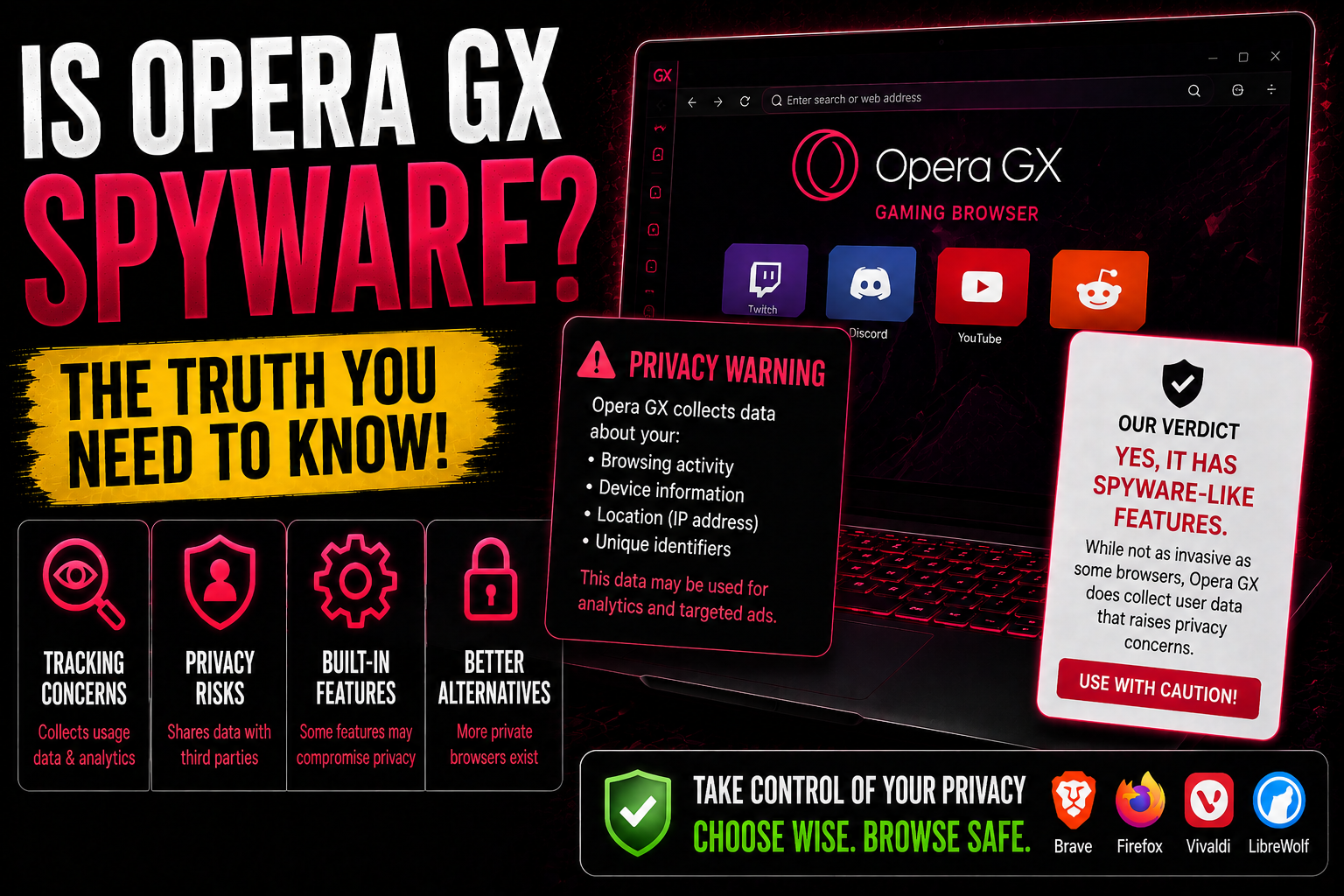
Why Do People Think Opera GX is Spyware?
The spyware allegations against Opera GX aren’t coming out of nowhere — they’re based on a combination of real data practices and legitimate structural concerns. Here’s where the concern comes from:
- Chinese investor ownership — Opera was acquired in 2016 by a consortium that included Chinese investors with ties to Kunlun Tech. While Opera operates under Norwegian law and GDPR protections, Chinese law can legally compel companies to share data with the government upon request. Opera claims full operational independence and European data protections, but the lack of full transparency around this ownership structure makes some privacy advocates uncomfortable — especially for users in sensitive industries.
- Broad data collection — According to its own privacy policy, Opera GX collects browsing history, search queries, feature usage data, device information, IP address, operating system details, and hardware specifications. This is comparable to Chrome or Edge, but more than privacy-hardened alternatives like Firefox with uBlock Origin or Brave. The policy uses somewhat vague language around third-party partners and “anonymized” data, which is a common privacy red flag.
- The “VPN” is not a VPN — Opera GX’s built-in “free unlimited VPN” is actually a browser-level proxy that routes only your browser traffic through Opera’s servers — not a true end-to-end SSL-encrypted VPN. It also logs connection data including timestamps and bandwidth usage, which a genuine no-logs VPN would not do. Relying on it for privacy protection is not advisable.
- Sponsored start page tiles — The Speed Dials on Opera GX’s start page include paid advertising tiles. Clicking one shares country-level data with the advertising partner. While users can remove these tiles entirely, their presence by default is a mild but real data exposure.
What Does Opera GX Actually Do With Your Data?
Here’s a realistic picture of Opera GX’s data practices based on its published privacy policy and independent analyses:
- Usage telemetry — Opera GX collects telemetry data on how you use the browser’s features for product improvement purposes. This is standard practice among major browsers, but unlike Firefox, Opera does not publish a fully transparent, audited account of exactly what is and isn’t collected.
- Search and browsing data — With Google set as the default search engine, your search queries are subject to both Google’s and Opera’s data practices simultaneously. Changing to a more privacy-respecting search engine helps, but doesn’t eliminate Opera’s own collection.
- Geolocation data — Opera makes geolocation requests to provide contextually relevant content in widgets and the news feed. Users must grant permission on a site-by-site basis for precise location, but country-level location is inferred automatically.
- Sidebar service shortcuts — The Facebook Messenger, WhatsApp, and Instagram shortcuts in the Opera GX sidebar are links to those services’ websites — they don’t independently collect data unless you log into those services, at which point standard platform trackers apply.
The bottom line is this: Opera GX is fine for casual gaming and general browsing if you’re not particularly privacy-sensitive. But if you handle sensitive data, work in a regulated industry, or simply want to minimize data collection, there are more privacy-respecting browser choices available.
What Should You Do?
If you’re concerned about Opera GX’s data practices, you have a few options: you can stay on Opera GX and opt out of as many data collection features as possible through the browser’s privacy settings, or you can switch to a more privacy-focused browser. If you’ve been running Opera GX and want to clean your system and check for any associated tracking components, the guide below this article will walk you through the process.

Ventsislav Krastev
Ventsislav is a cybersecurity expert at SensorsTechForum since 2015. He has been researching, covering, helping victims with the latest malware infections plus testing and reviewing software and the newest tech developments. Having graduated Marketing as well, Ventsislav also has passion for learning new shifts and innovations in cybersecurity that become game changers. After studying Value Chain Management, Network Administration and Computer Administration of System Applications, he found his true calling within the cybersecrurity industry and is a strong believer in the education of every user towards online safety and security.
Follow Me: